
Your clients, coworkers, friends, and collaborators may all be in the same address book. With poWermap, you can keep them in separate profiles for work, freelance projects, and your personal life. When you meet someone new, share the digital business card that fits the occasion with a quick QR scan.

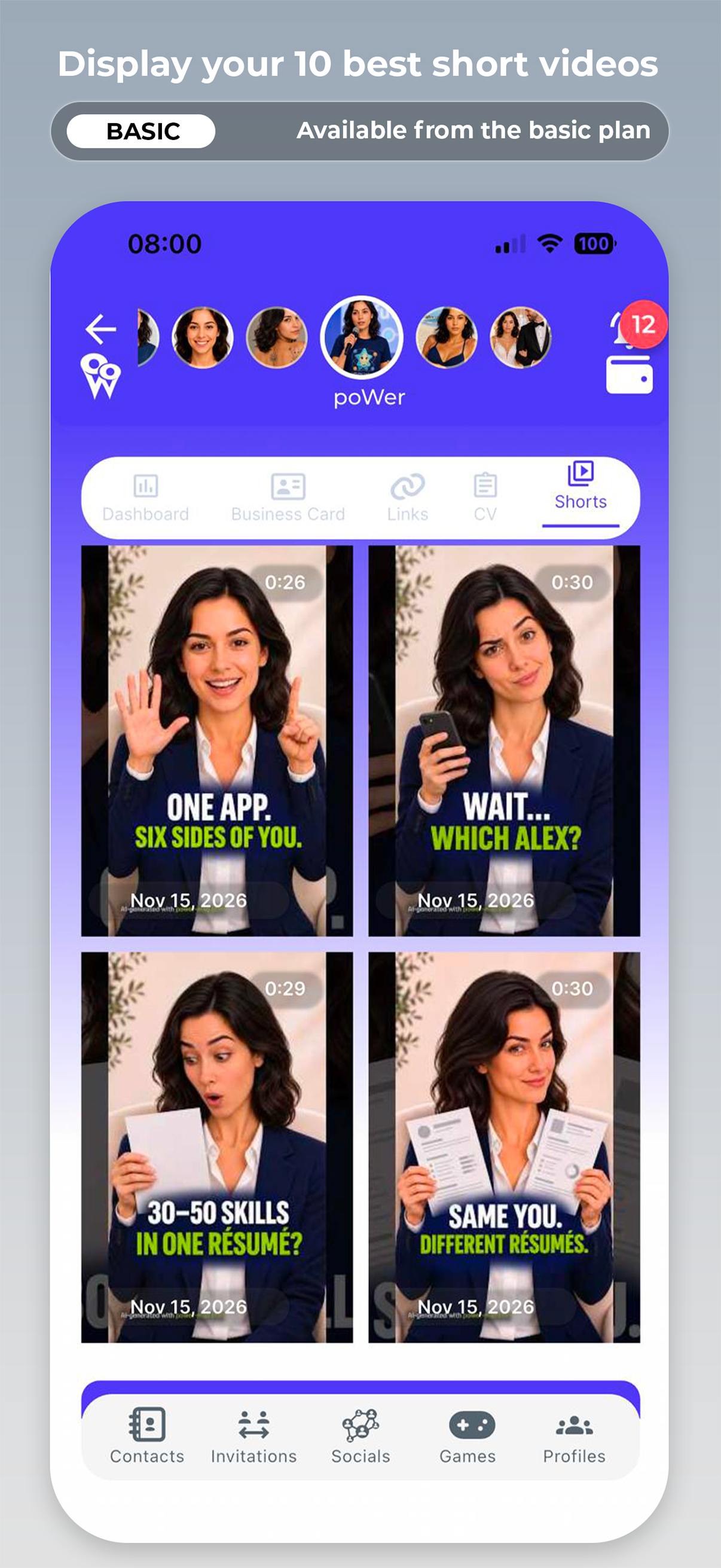
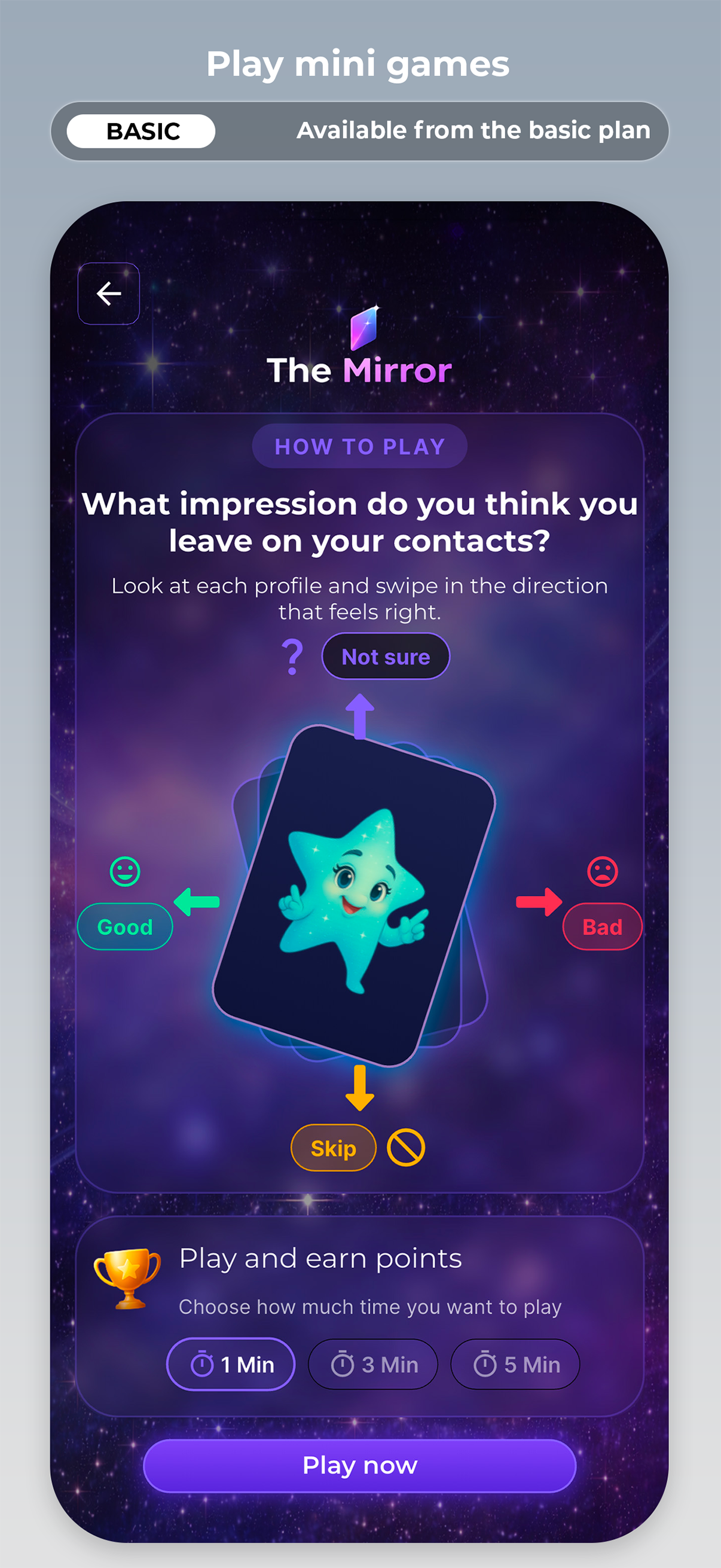
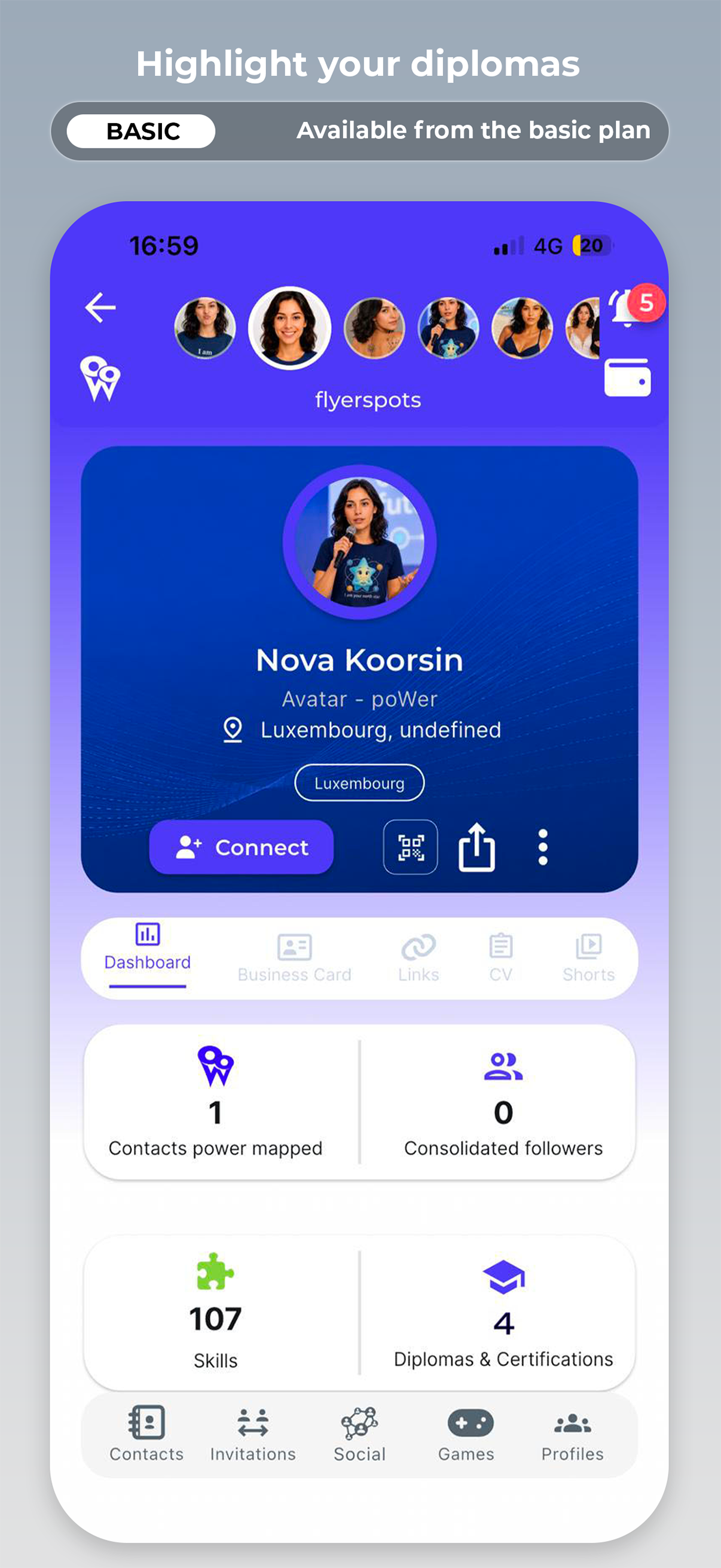
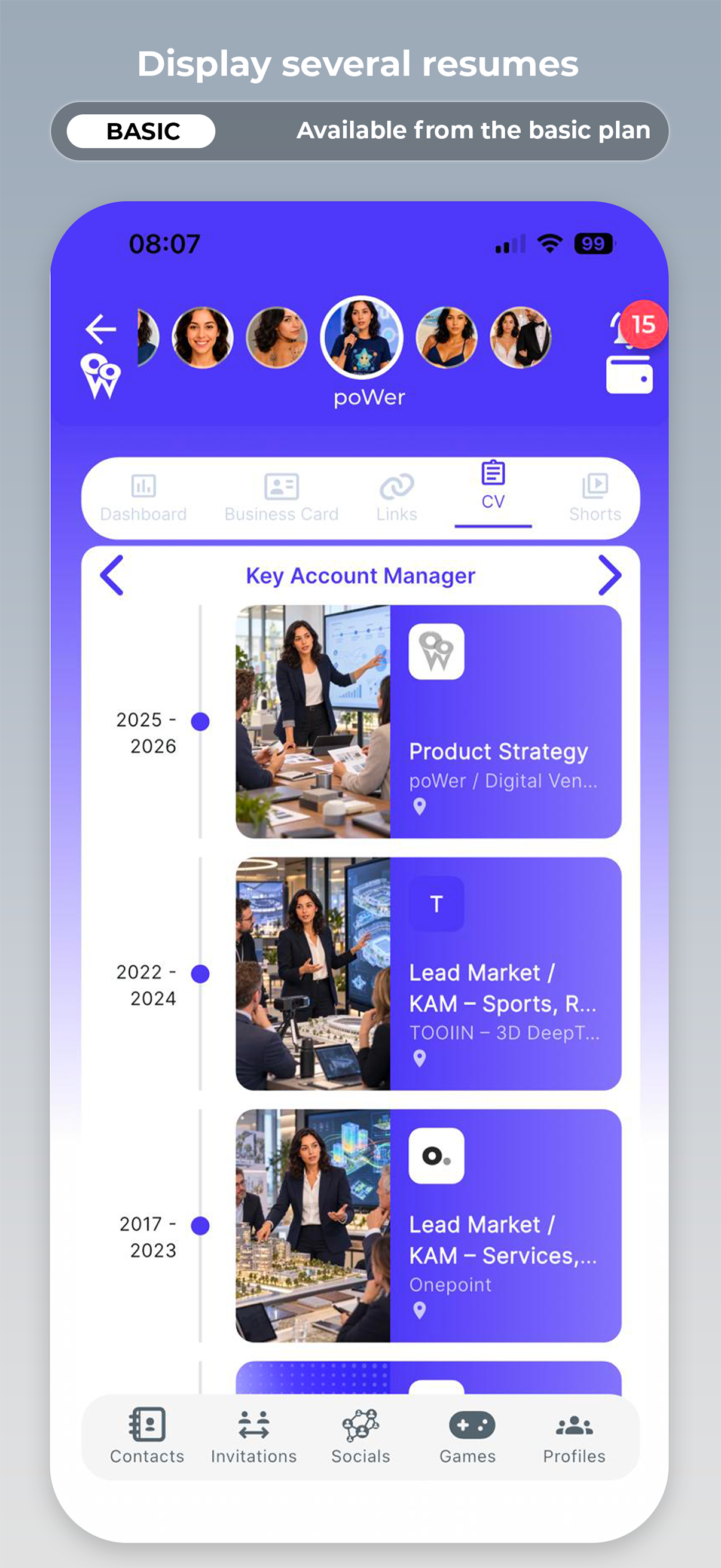
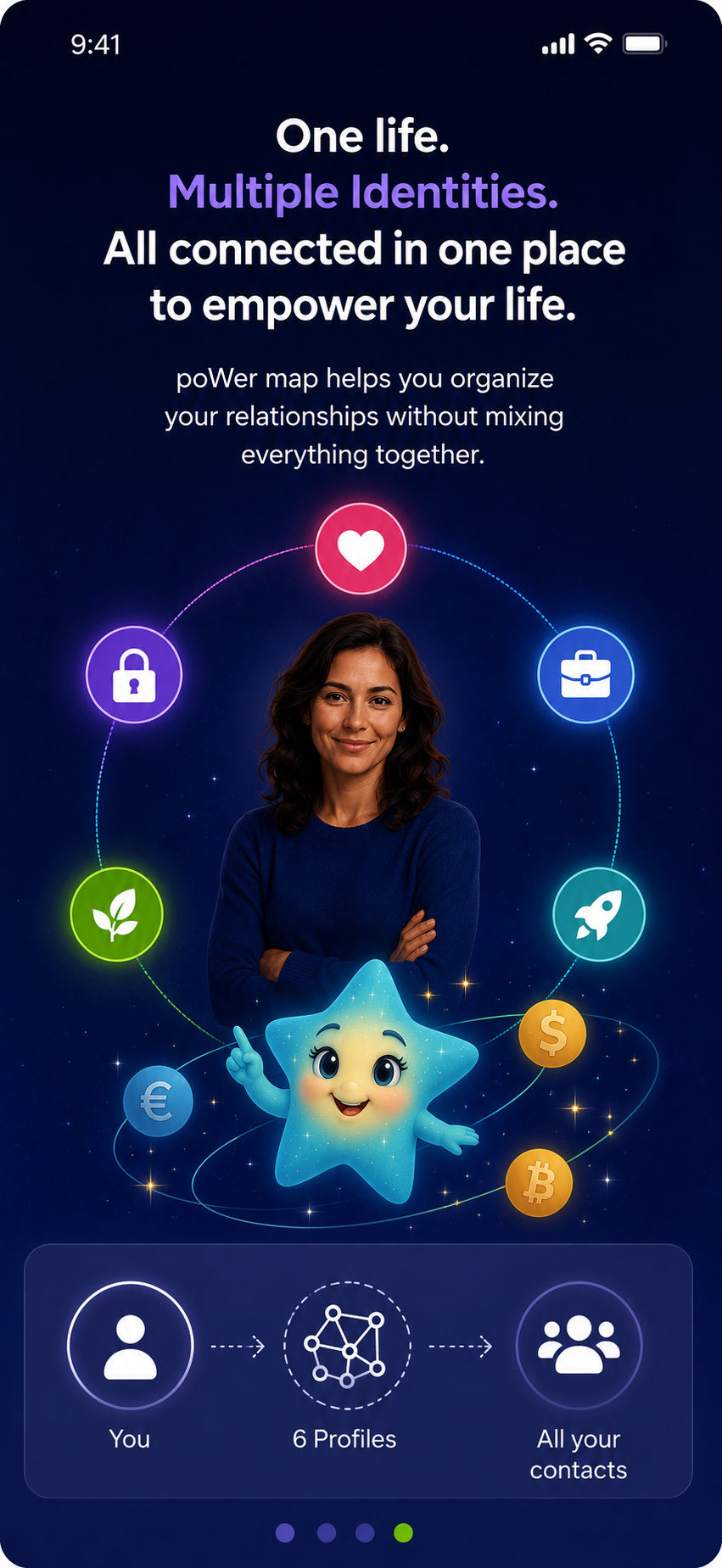

Start with the contacts already on your phone. Create a profile for the part of your life you want to organize first, then add more profiles as you need them.
Download poWermap and sign up on your phone.
Pick a starting point, such as your day job, freelance work, or personal life. Add the details you want people to see when you share your digital business card.
Allow poWermap to sync your phone’s address book so you can organize the people you already know.
Add each contact to one profile, several profiles, or none. If a coworker is also a friend, the same contact can appear in both your work and personal profiles.
Send an invitation by text or email and choose which profile to connect through. When you meet in person, share your digital business card by QR code.
Answer short questions about the people you know and reflect on how you see those relationships.


